
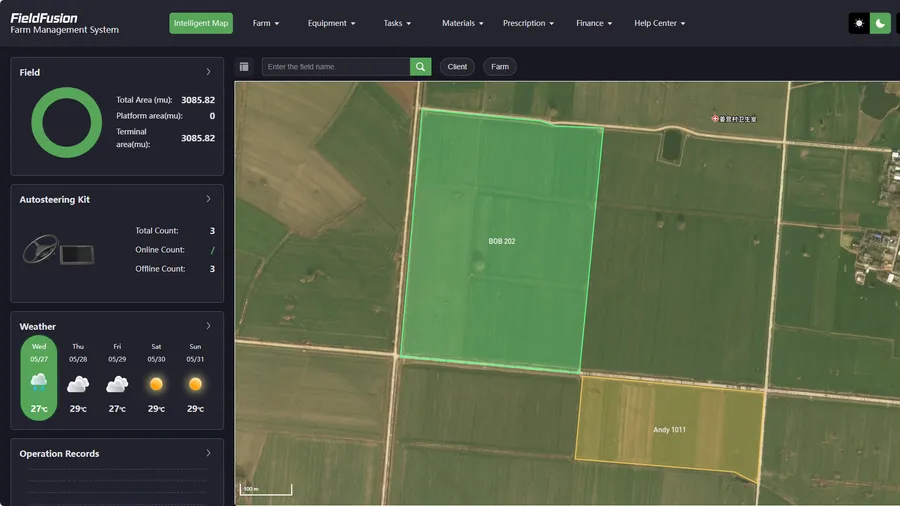
01 Draw field
Draw or import your field
Create the field boundary once so the system knows what area to analyze.
Full access to FieldFusion platform.No credit card required.
From boundary to map
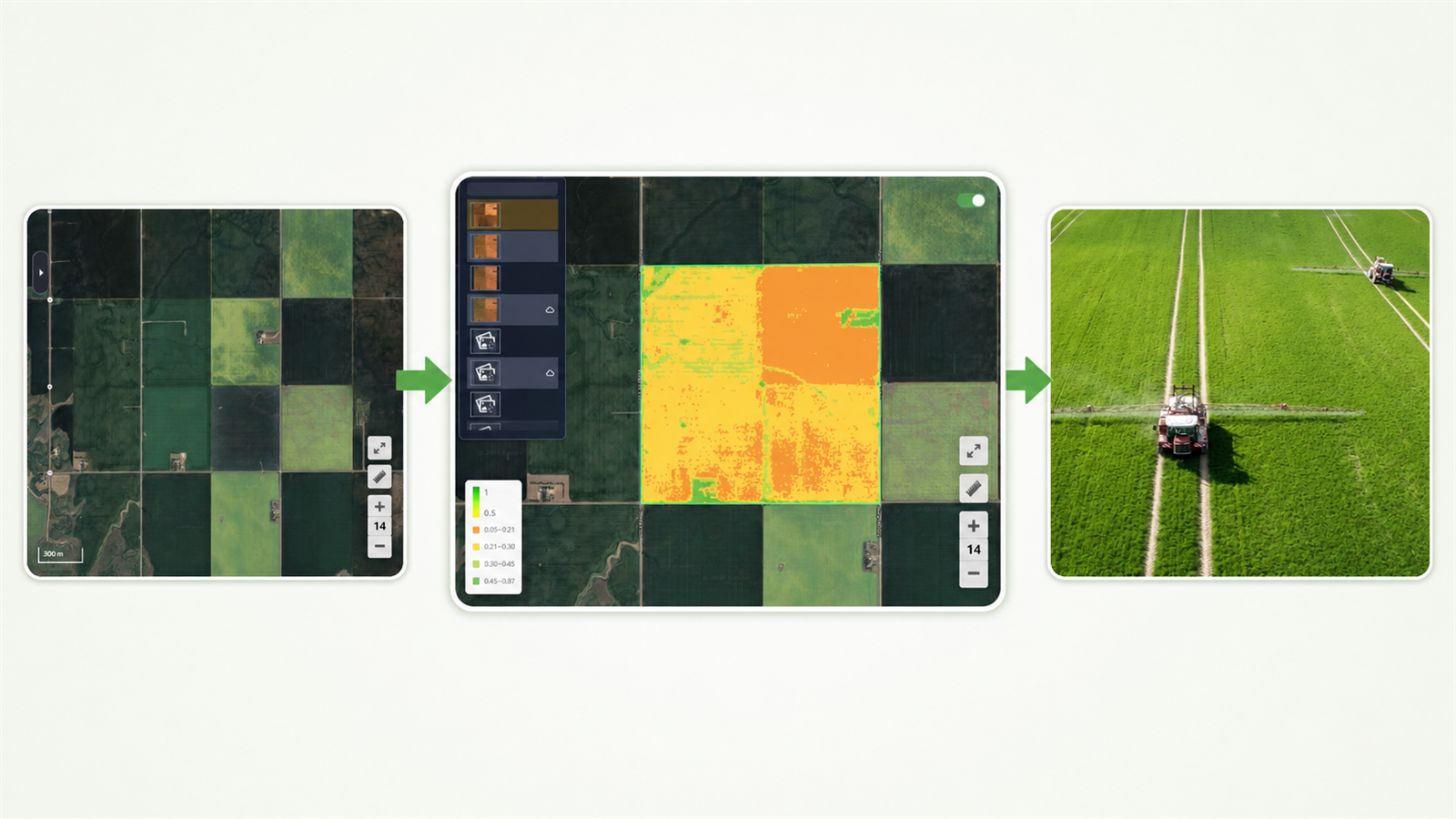
Draw your field, check crop differences with satellite and NDVI views, set rates by zone, then export a file your equipment can use.
01 Draw field
Create the field boundary once so the system knows what area to analyze.
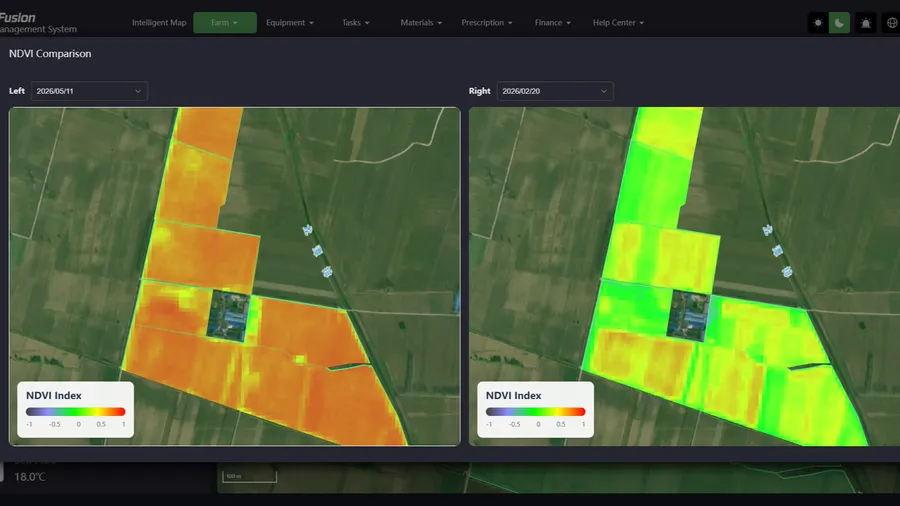
02 View NDVI
Use satellite imagery and NDVI to see stronger and weaker zones.
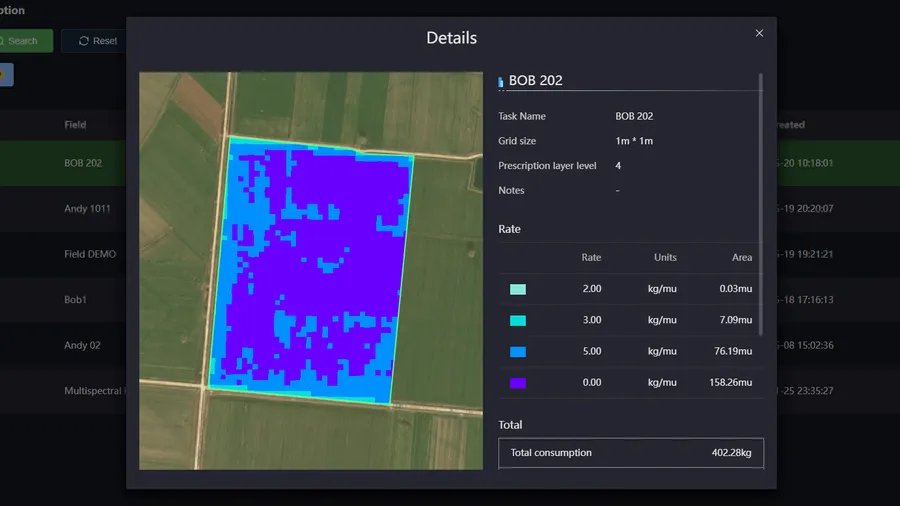
03 Create zones
Turn field differences into zones for more precise spraying or fertilization.
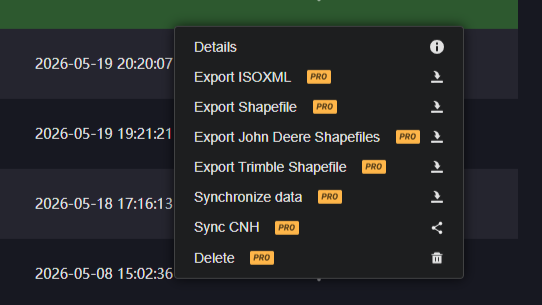
04 Export file
Create a machine-ready file for compatible equipment workflows.
Start with a 7-day free trial and test prescription maps, NDVI imagery, and machine-ready export in your own field workflow.
Prescription workflows
Not only by satellite, you can create prescription maps in 5 ways with FieldFusion Pro.
Use satellite or image data to understand crop growth differences and create zone-based prescriptions.
Create prescriptions based on soil nutrient differences across your field.
Use previous-season yield data to improve next-season application plans.
Draw zones manually when you already know which parts of the field need different treatment.
Import professional prescription files and use them in your FieldFusion workflow.
Import + export
Many farms and service providers work with more than one equipment brand. FieldFusion helps you create prescription maps in one place and prepare them for different machine workflows.
Field boundary / field data import
Shapefile ZIP must include .shp, .dbf, and .shx files.
Prescription file export
Move from field data to machine-ready prescription files.
Mainstream brand workflows
Choose the sync or export path that matches your equipment brand.
Choose automatic sync, one-click FieldOps sync, or standard prescription file export depending on your equipment brand.
FJDynamics & Sveaverken

New Holland & Case IH

Reduce waste
Use FieldFusion Pro to identify field differences, create prescription zones, set application rates, and export files for compatible equipment workflows.
Example
USD 630
| Field area | 100 acres |
|---|---|
| Standard rate | 150 lb/ac |
| DAP price | USD 837/t |
| Reduction scenario | 10% |
Example: 10% fertilizer-use reduction. Input cost x potential reduction = estimated savings Actual savings depend on field conditions, crop type, input price, equipment, and application strategy.
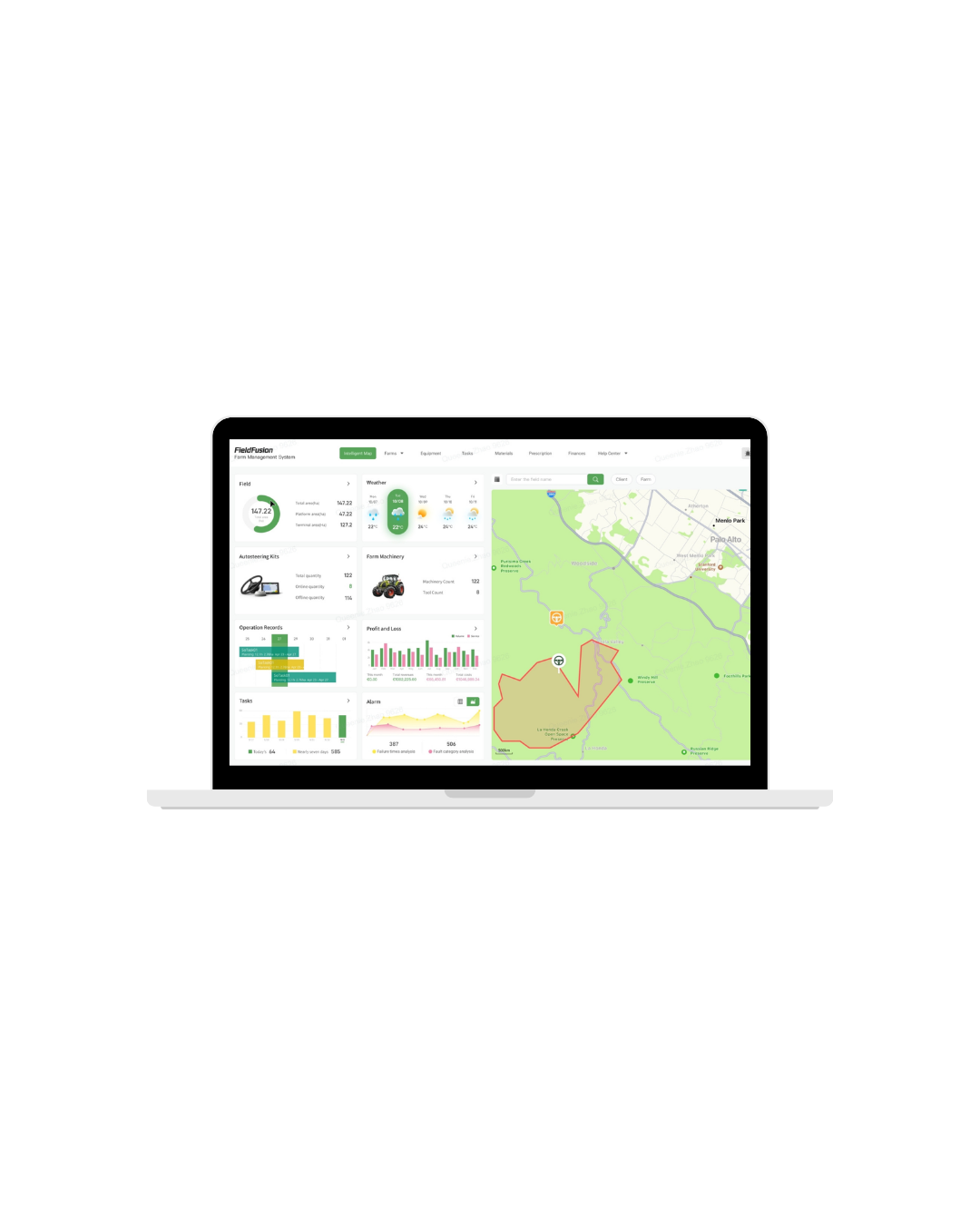
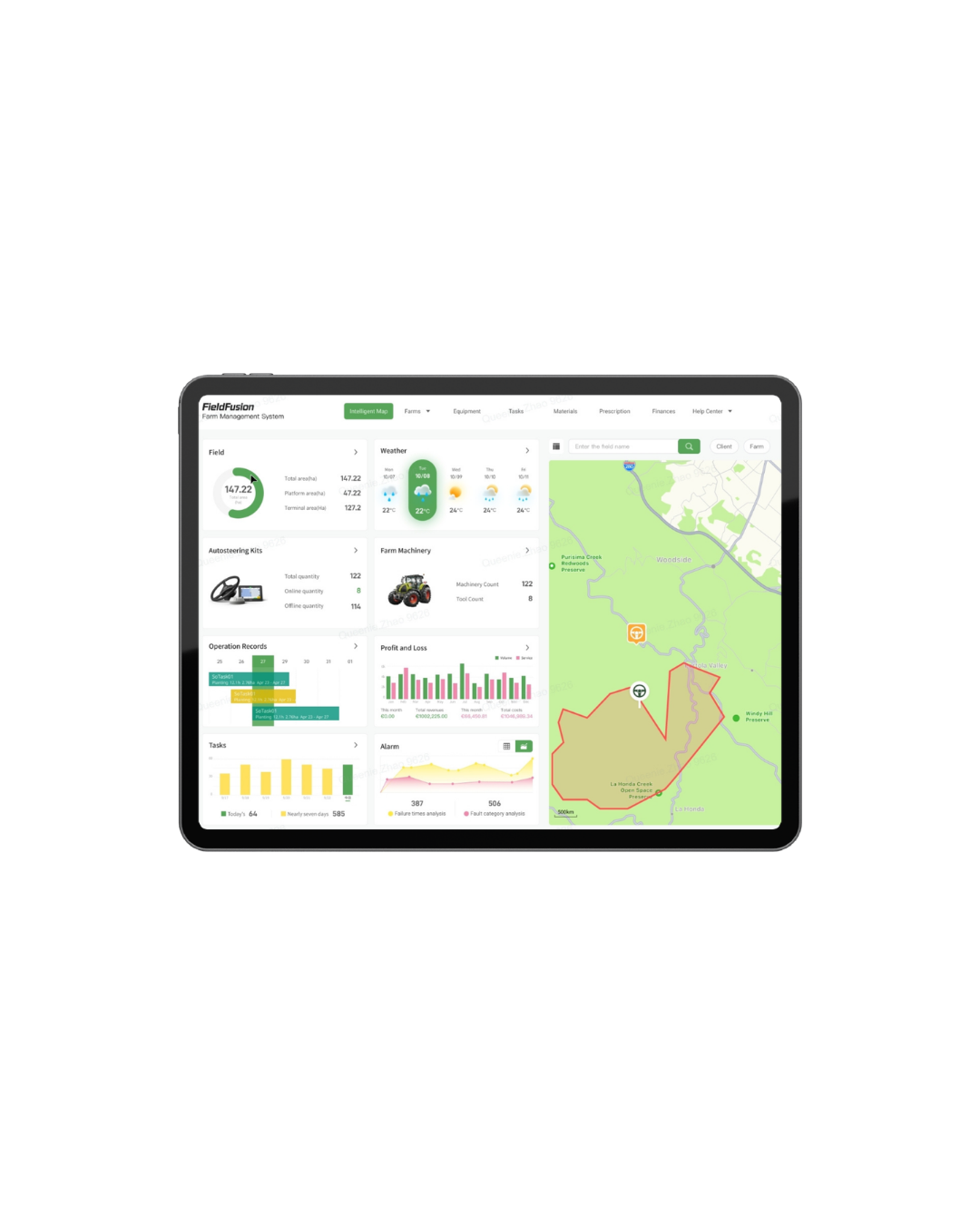
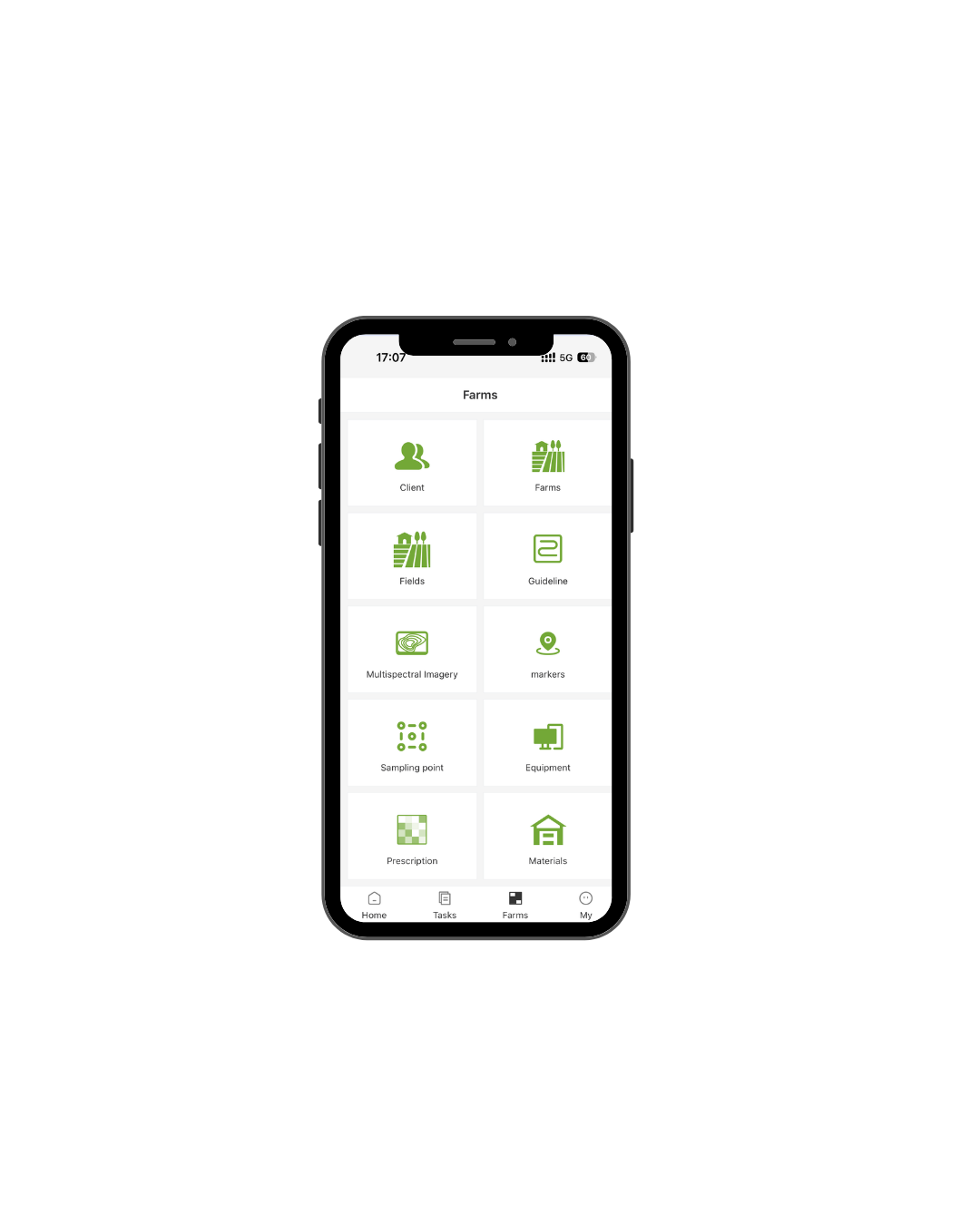
Plan in the office, check field data on the move, and continue your workflow across devices.
Before you start
The FieldFusion Pro trial is built for exploring prescription map creation, NDVI viewing, AB line drawing, Path Planning, and equipment-ready export workflows.
You will be taken to the FieldFusion registration page. Create your account and organization to start the 7-day Pro trial.
Yes. You can review workflows such as ISOXML, Shapefile, John Deere Shapefiles, Trimble Shapefile, or Case IH and New Holland FieldOps sync before moving into field execution.
Try Pro if you want to move beyond field records and test prescription maps, route planning, and export workflows before choosing a paid plan.